Video Wedding Invitations, Animated for You.
A short invitation video that opens, shows your names, then each of your events, with music.
20 Video Invitations, a Few to Start.
Shown with sample couples. Yours shows your own names and events.
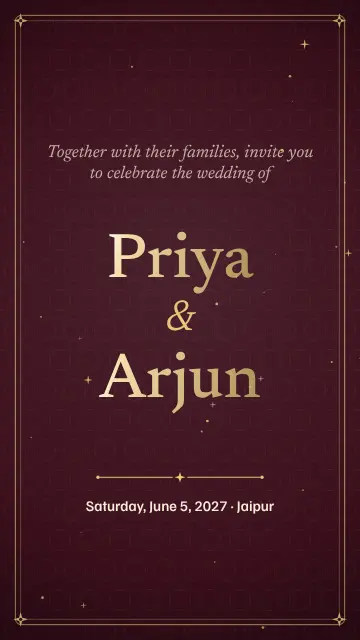
Palace DoorsNorth Indian, GujaratiStart With This Design 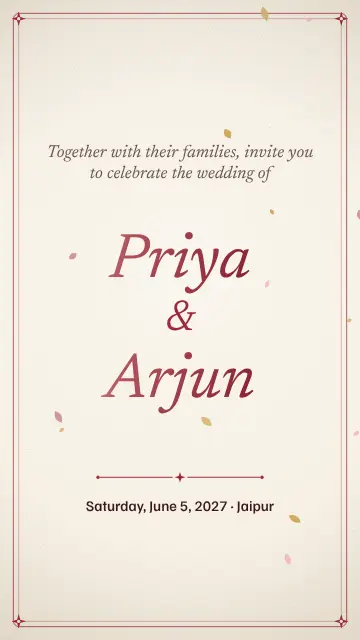
Royal EnvelopeNorth Indian, SikhStart With This Design 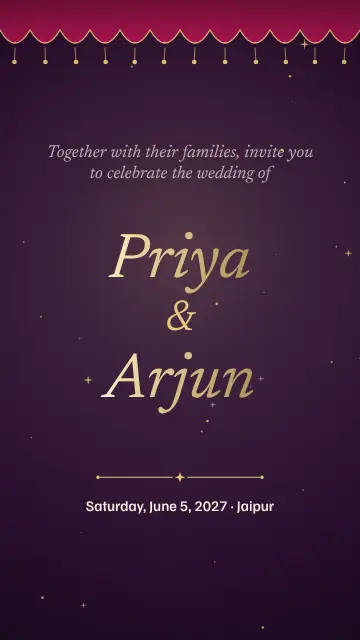
Parda RevealNorth Indian, GujaratiStart With This Design 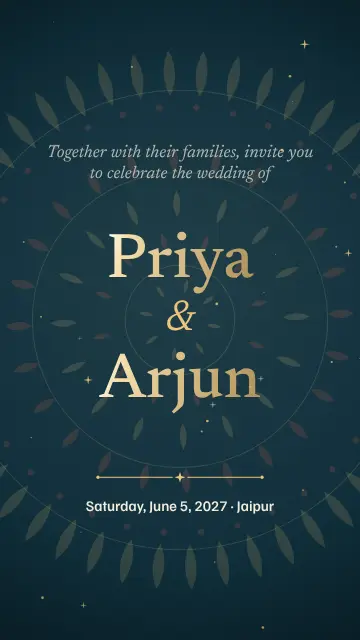
Mandala BloomNorth Indian, GujaratiStart With This Design 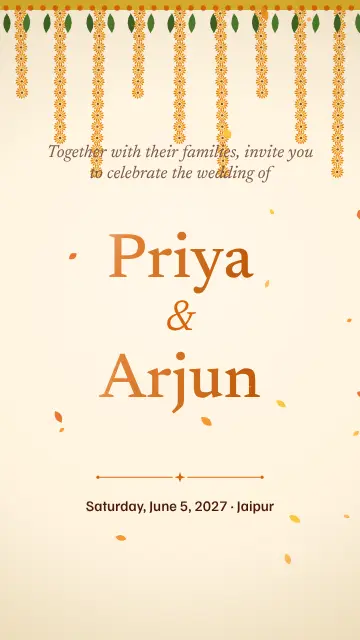
Marigold ShowerNorth Indian, GujaratiStart With This Design 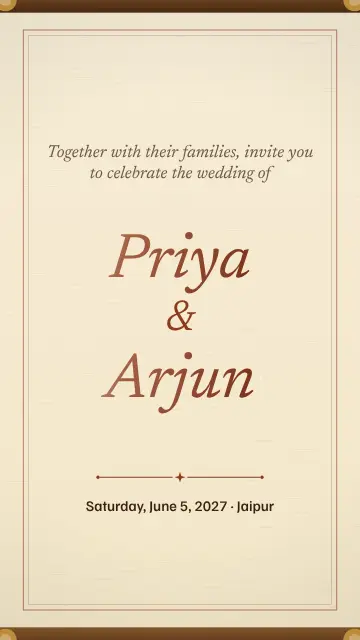
Royal ScrollNorth Indian, GujaratiStart With This Design
Video Wedding Invitations, Explained.
Pick a template and the video is made from your own wedding: the blessing for your tradition, your names, then a scene for each event with its date, time, venue and dress code, a countdown and a closing line.
Save it as a video to send on WhatsApp or post, or turn it on for your RSVP pages, where each family sees only the events they are invited to.
Every One, Live.
Filter, search and open any design. Videos play in a phone frame.
Loading the designs…
From Design to Invitations.
Pick a Design
Browse by tradition, style and color, and open any design to see it larger or play it.
Start Your Wedding
Start With This Design takes you to checkout; your new wedding opens with that design already applied.
Add Your Names and Events
Your names, dates, venues and dress codes fill in every page, card and video.
Share It
Send each family their own RSVP link, share the cards and videos, or order printed cards.
Included in Your Plan.
These designs come with the Shaadi Planning plan, together with the website, RSVPs and every planning tool.
Shaadi Planning
$100one time, the whole wedding
- Your wedding website, in any of the designs, at shaadiplanning.com/w/your-names
- An e-invite card for every ceremony, with printed cards to order
- The video invitation and the animated save the date
- RSVPs by family and by event, seating, the budget and every planning tool
- Your partner and family, each with their own sign-in
- Hotel rooms for your guests, resort and honeymoon quotes from our team
No subscription, nothing renews and no per-guest fees.
Video Wedding Invitations, Answered.
How Long Is a Video Invitation?
It depends on how many events you show and the pace you choose. Most run from about half a minute to a minute.
Can Each Family See Only Their Events?
Yes. On each family's RSVP page the video shows only the events that family is invited to.
Can We Add Music?
Yes. Choose a soft tanpura, temple bells or a dhol beat made in the app, or add music of your own that you have the right to use.
What File Do We Get?
An MP4 or WebM video, depending on what your browser can record, sized 1080 by 1920 for phones and stories.
More Designs.
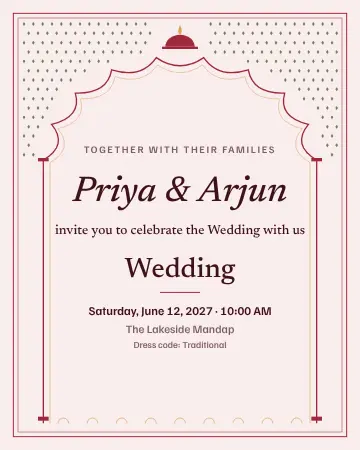 Indian Wedding Invitations
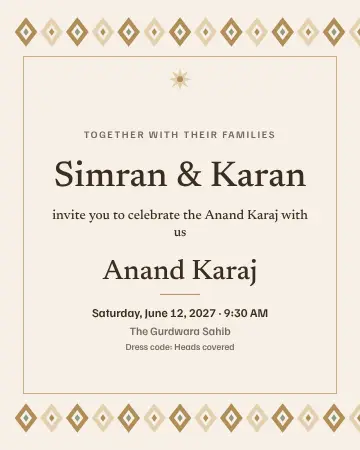 Sikh Wedding Invitations
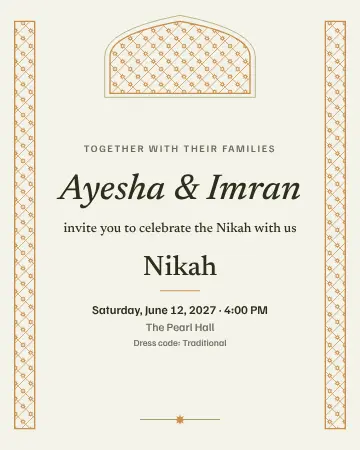 Muslim Nikah Invitations
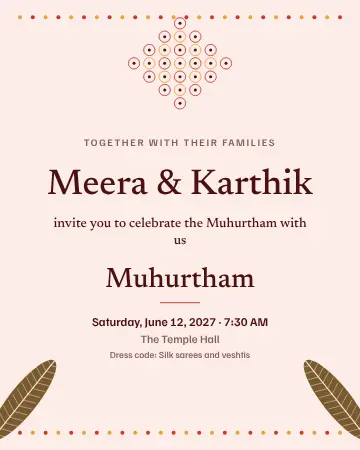 South Indian Wedding Invitations
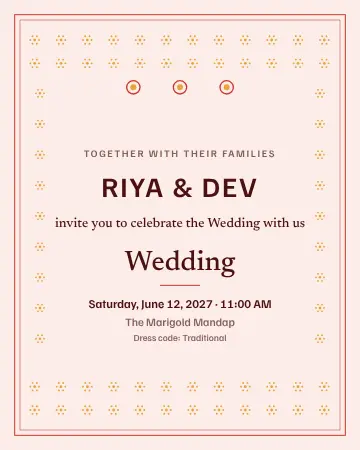 Gujarati Wedding Invitations
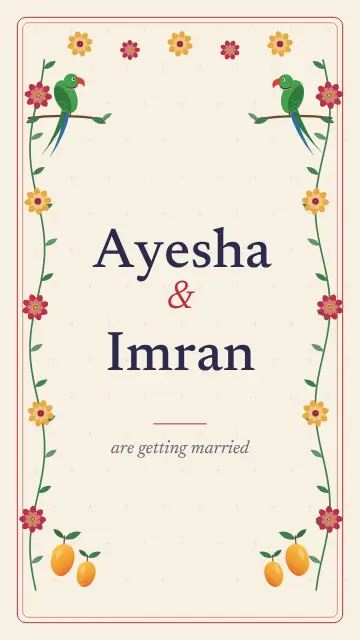 Save the Date Videos
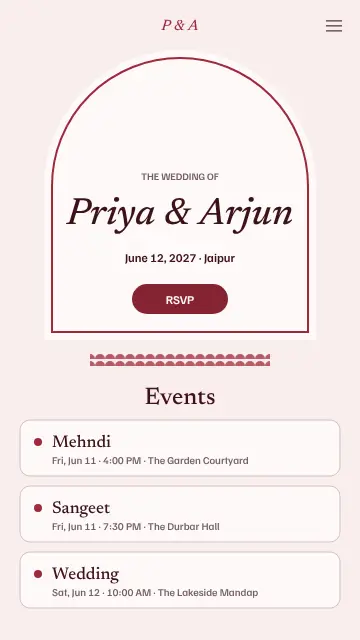 Wedding Website Templates
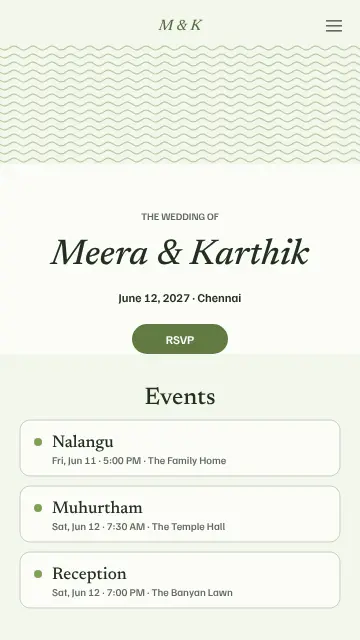 Destination and Beach Wedding Designs
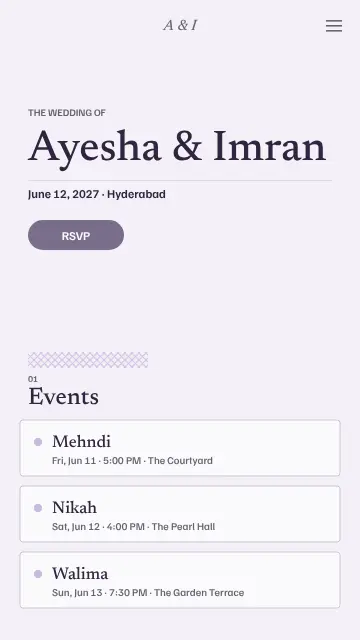 Royal Palace Wedding Designs
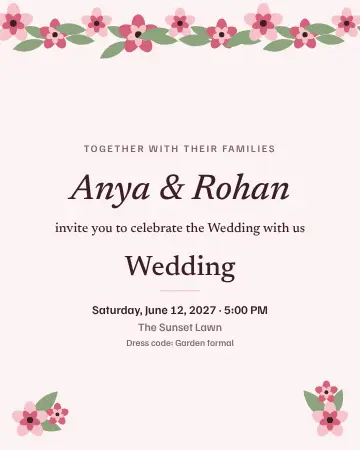 Floral Wedding Invitations
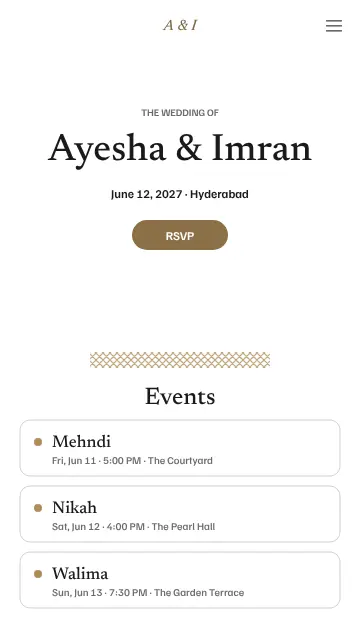 Modern Minimal Wedding Designs
Start With a Design You Love.
Pick it, add your names and events, and share it with both families.